The UserVoice customer feedback Chrome extension saves a request from any web page, like email, CRM, or tickets, to the right idea with the customer's account attached.


CSMs can submit feedback on behalf of a user, so we always have a way to quantify a feature request with the accounts and users that want it.
Our customer support and sales enter requests from customers so we could make sure we were capturing not only requests existing customers had but also prospect customers.
Requests turn up where product never looks: a renewal email, a Salesforce note, a Zendesk ticket, or a call summary. The extension opens in Chrome's side panel beside the page, so your team saves the request on the spot.
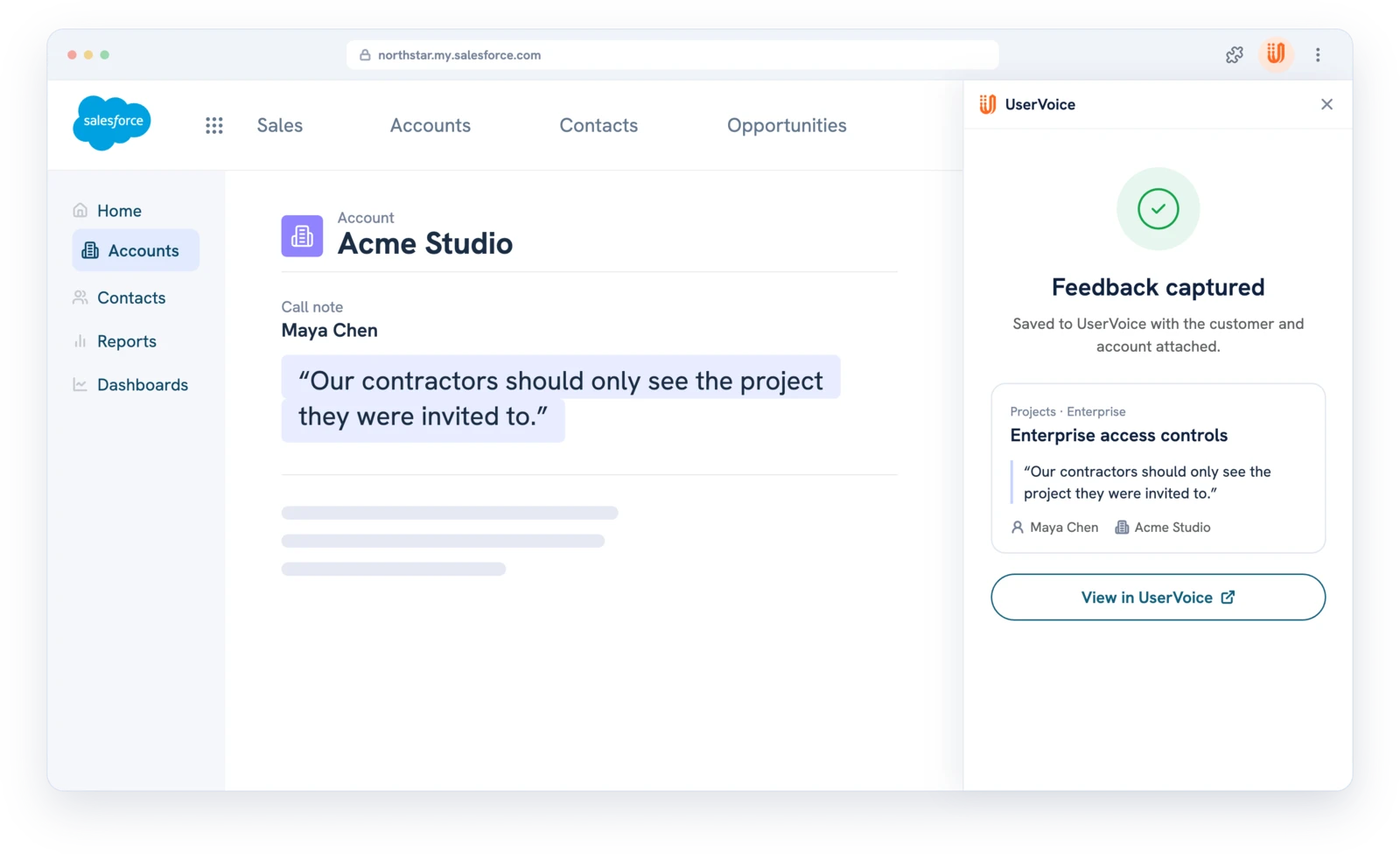
Five steps in one side panel, and the request never passes through a spreadsheet or a forwarded email.
To set up, each person adds the extension from the Chrome Web Store and signs in with your UserVoice domain. Companies with more than one UserVoice site add each domain and switch between them. The help center article walks through each screen.
Every customer-facing team hears requests in a different tool. The extension works the same way in each, so every request reaches product in the same shape.
Every UserVoice user at your company can use the extension, including contributors and view-only admins, so customer-facing teams capture without a full admin seat.
No public portal? This setup runs on the extension and Slack.
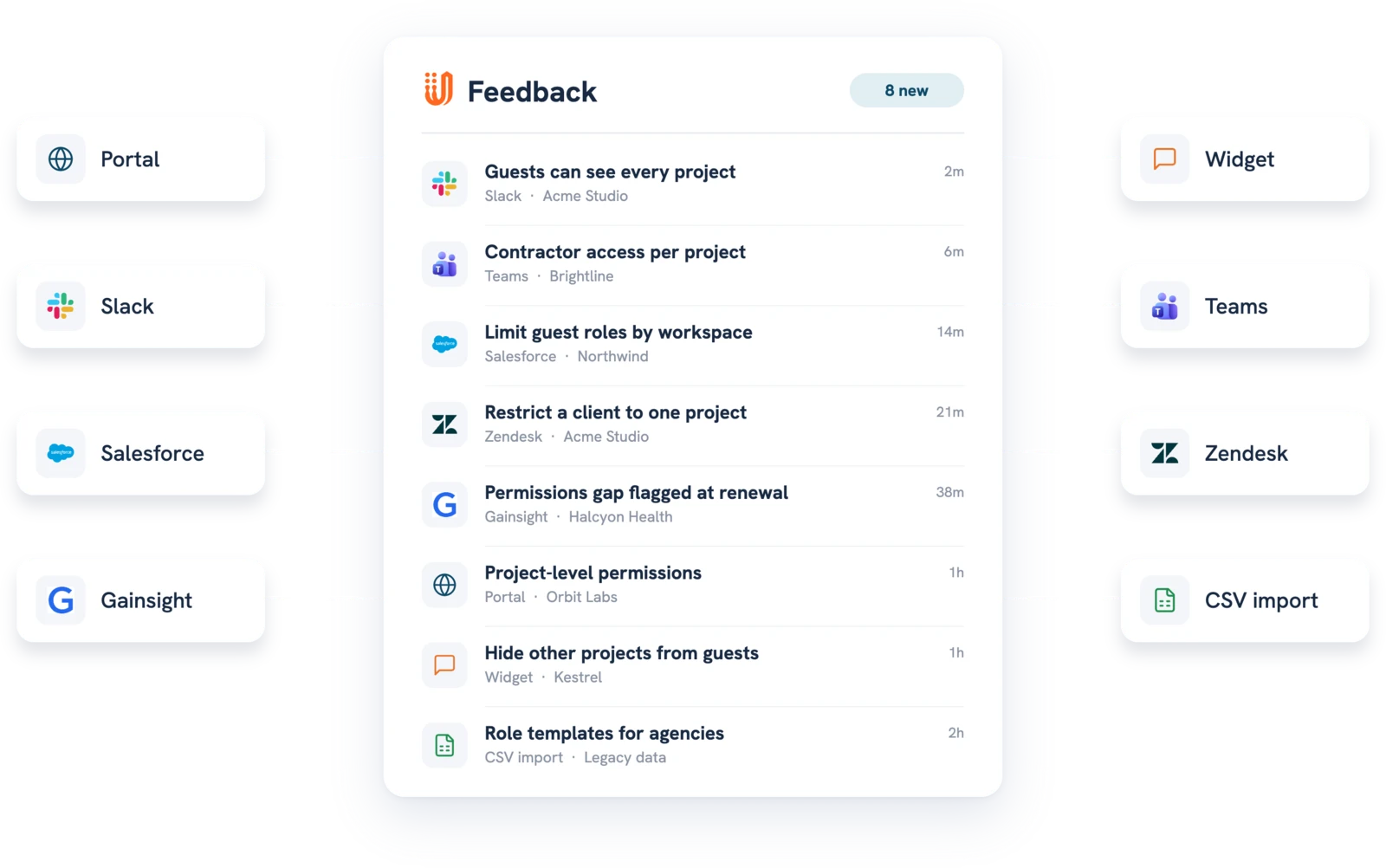
Most teams use the extension alongside the integrations, because it works on any page in the browser. See every option in capture feedback.
Every capture is searchable by AI the moment it's saved. Read more on AI customer feedback analysis.

Every UserVoice user at your company, including contributors and view-only admins.
No. A team member chooses what to capture, confirms the customer, and picks an idea. Nothing is saved until they click Capture Feedback.
No, captured feedback is private to your team. On a new idea, add a public description to keep it that way; otherwise the feedback becomes the idea's description.
Yes, if Subscribe user to updates is checked. They get an email when the idea's status changes. Admins can turn these emails off for the account.
It's built for Google Chrome and installs from the Chrome Web Store. Chromium browsers that accept Chrome Web Store extensions, such as Microsoft Edge, can run it too.
Usually, yes. The integrations work inside Salesforce and Zendesk; the extension works everywhere else, including email, call notes, and internal tools.
Yes. Add each UserVoice domain in the extension and switch between them. Check which site is selected before you save.
Get a free 30-day trial after your demo, see your own customer feedback in a real account.
Book a demo