

The UserVoice agent answers plain-language questions about your ideas, accounts and users, right inside UserVoice. UserVoice MCP brings the same customer intelligence into Claude, ChatGPT and Codex. Every answer comes from your live UserVoice data, with the accounts and revenue behind it.
One platform for product, customer success and revenue teams.
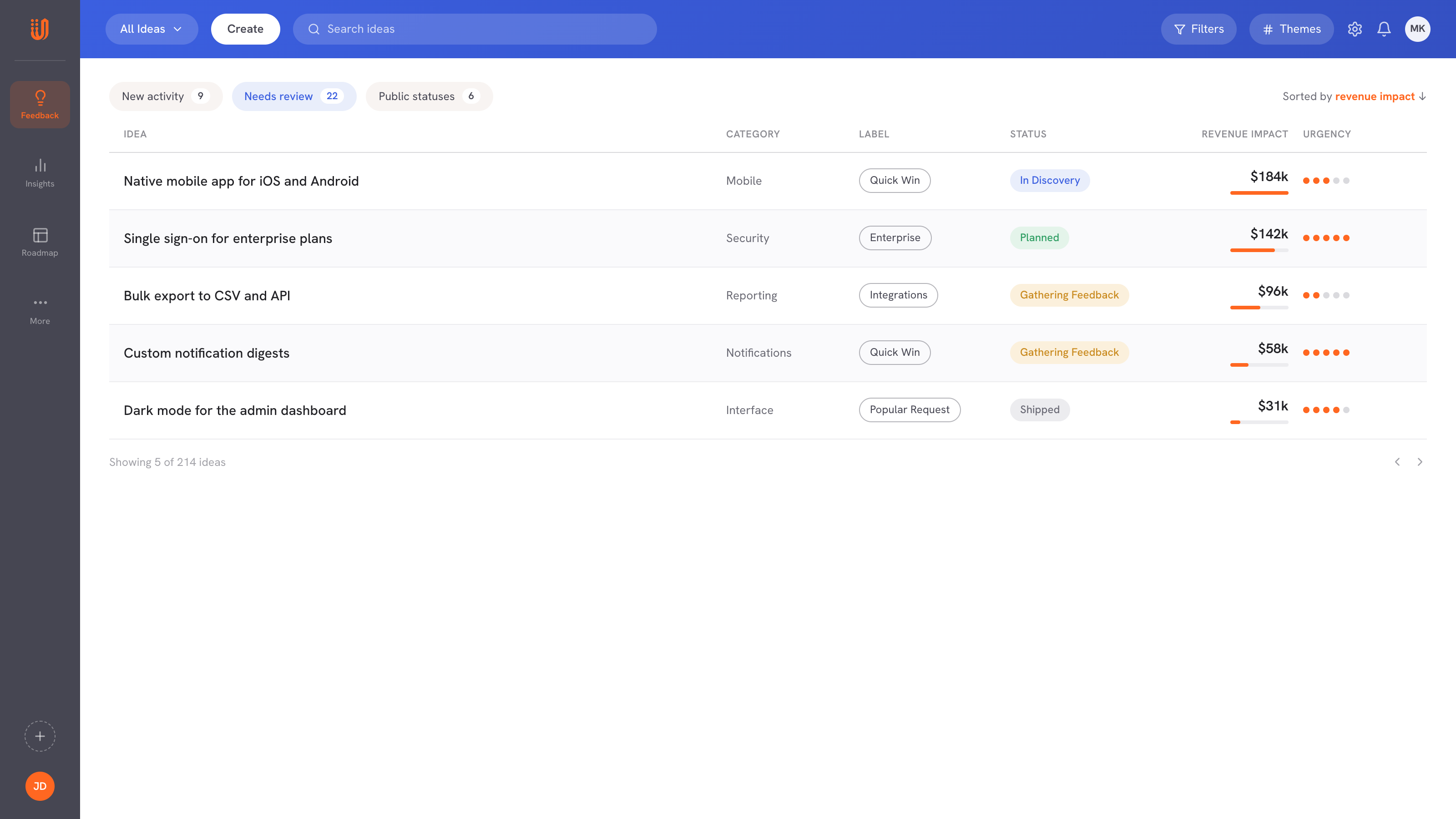
Single sign-on, audit logs and custom roles lead the list. Each idea links to the accounts and supporters behind it.











UserVoice helps us turn customer feedback into shared intelligence across the business. As more teams engage, we get stronger insights, better analytics, and real momentum toward embedding the customer voice into our decision-making.

Ariana Newton
We can quickly surface a complete, data-backed view of every client interaction (questions, feedback, and responses) and turn that into clear insights for renewals. It shows customers we’re listening and acting on what they tell us.

Kathryn Doebler
There are a lot of problems to solve out there, and spending time on something that isn’t the most impactful for our users is heartbreaking. UserVoice challenges me to look at the overall picture of the struggles that our customers as a whole.

Megan Fangmeyer
Skip the filters and exports. Ask about ideas, accounts and users the way you would ask a colleague.
Get tables of real ideas, themes with verbatim customer quotes, and the supporters, accounts and revenue behind them.
Log feedback, triage, organize and clean up. In the agent, you confirm every change before it runs.
Customer intelligence only works when people trust the answer. UserVoice AI shows the ideas, comments and accounts behind its answers.
The agent queries your UserVoice instance in real time. It does not use anonymized or sample data, and it only answers questions about your UserVoice data.
The agent clusters ideas and writes the pain statement. Every number you see, from supporters to accounts, revenue and dates, is calculated directly from your database.
In the agent, each change shows a confirmation card first and a receipt after. Through MCP, write actions run with your admin permissions and show up in the conversation.
The UserVoice agent lives in your admin console next to your ideas and feedback. Ask a question in plain language and it reads your data in real time, reasons over it and answers with a written summary and clickable tables in a persistent, multi-turn chat.
UserVoice agentSingle sign-on leads with $1.2M in supporting enterprise revenue, followed by audit logs and custom roles. The table lists all ten with their accounts and status.
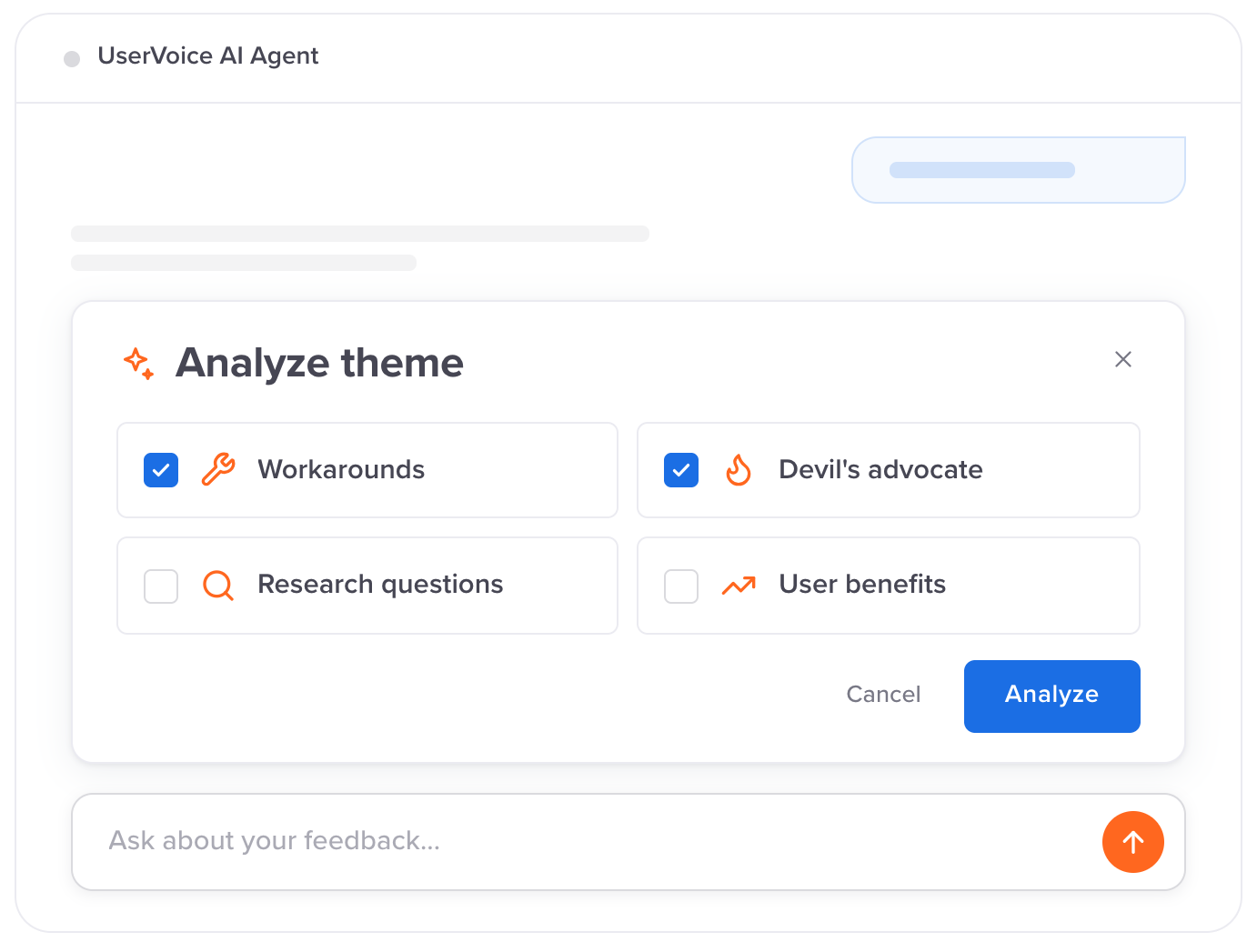
Ask an analytical question and the agent reads the titles, descriptions and customer comments of the ideas in scope, then groups them into pain-based themes. Each theme comes with a specific pain statement, its intensity, its impact and a verbatim customer quote as evidence.
The agent works across ideas, accounts and users. Filter accounts by revenue, lifecycle status, engagement, CRM data or your own custom account fields, then see what those customers are asking for.
Ask the agent to make a change and it proposes the change, shows exactly what will happen and waits for you. Before it creates an idea, it checks for an existing one about the same request and shows similar ideas on the card.
Connect your UserVoice account once, then ask about ideas, accounts and users from the assistant you already work in. UserVoice supports Client ID Metadata Documents (CIMD), the client registration method the MCP specification recommends. Your assistant identifies itself with a URL it publishes, and UserVoice verifies it at sign-in. Nobody creates or pastes a client ID or secret.
On every assistant, each person signs in with their own UserVoice admin login, including SSO if your site uses it, and approves access on a consent page that shows the assistant's verified domain.
The agent and MCP work across the same three areas of your UserVoice data. Both respect your admin permissions.
Each prompt below comes from UserVoice's own documentation and product updates. Swap in your own accounts, categories and labels. The agent uses the names already in your account.
Same customer intelligence, built for different places. Use the one that fits the job.
Your AI assistant chooses the UserVoice tool for each request. A few examples:
The UserVoice agent, UserVoice MCP and the API are included in our new modern plans. Read or write access follows each admin's permissions.
UserVoice AI answers with the account context you already bring into UserVoice, and meets your team in the assistants they choose.

UserVoice MCP is a server that lets you query and update your UserVoice data from an AI assistant such as Claude, ChatGPT or Codex in natural language. You can search ideas, aggregate feedback by category or account, pull account details, and update idea status and labels. It is included in our new modern plans.
The UserVoice agent is an AI assistant inside the UserVoice admin console. Ask natural-language questions about your ideas, accounts, users and themes, and get answers grounded in your actual UserVoice data, with written summaries and clickable tables in a persistent, multi-turn chat.
Claude (claude.ai, the desktop app and Claude Code), ChatGPT, Codex and GitHub Copilot Chat in Visual Studio Code. UserVoice supports Client ID Metadata Documents (CIMD), the client registration method the MCP specification recommends, so assistants are verified at sign-in and you never enter a client ID or secret. The Help Center lists current setup steps.
Yes, if your UserVoice admin account has write access. Tools can create ideas, record feedback, add voters, flag ideas, update status, labels, owner and details, manage lists, and merge, delete or mark ideas as spam. Changes happen in your live account and are visible in the conversation.
Only what you can. The assistant acts with the same read and write permissions, and restrictions, as the UserVoice admin account you signed in with. Each team member authorizes individually, and an administrator adding the connector does not grant anyone access to your account.
Yes. Sign-in uses OAuth 2.1 with PKCE, so the assistant never sees your UserVoice password, and CIMD lets UserVoice verify the assistant at sign-in. The consent page shows the assistant's verified domain. You can revoke access at any time by disconnecting the connector.
Yes. UserVoice maintains a SOC 2 Type II certification covering the Security, Availability and Confidentiality of its system, and is GDPR compliant. UserVoice shares its reports with current and prospective customers who email compliance at uservoice.com.
The UserVoice agent is fully tenant-isolated, so it can only query data from your UserVoice instance. Data is encrypted at rest with at least AES-256 and in transit with at least TLS 1.3. Revenue fields stay behind the revenue permission, and view-only admins cannot make changes.
The UserVoice agent is powered by OpenAI models, and UserVoice updates the model as better ones become available. The agent is fully tenant-isolated, so it cannot access other customers' data.
The agent surfaces CRM fields synced into your UserVoice accounts, such as plan, segment, industry and revenue, plus custom account fields. It cannot query Salesforce or HubSpot directly. With a Gainsight integration configured, it can surface health scores, stage and renewal dates.
It reads the ideas in scope, including titles, bodies and customer comments, and groups related ideas into pain-based themes with a verbatim quote. A theme needs at least two genuinely related ideas. Every number shown is calculated from your database, not estimated by the AI.
Changes send the same notifications as doing them by hand. New ideas in public forums go live and notify admins who get new-idea emails. Adding feedback or voters does not email the customer, and merges only email supporters if you ask the agent to notify them.
MCP is designed for AI assistants to access UserVoice context through a standard protocol, using your admin permissions. The Admin API gives developers programmatic access for client applications, custom integrations and structured data workflows.
Both are included in our new modern plans. Starting at $12,000/yr. Open the agent from your UserVoice admin console. For MCP, add UserVoice as a connector in your AI assistant and sign in with your UserVoice admin account. See uservoice.com/pricing for plan details.
Yes. Our new modern plans include unlimited view-only admins, and they can use the agent and MCP to ask questions, search ideas and look up accounts. Making changes needs a full-access admin, who can create feedback, update statuses and labels, and merge ideas.
Get the most from UserVoice in ChatGPT, Claude and Codex. The playbook shows how product, customer success and revenue teams can put UserVoice MCP to work.
Book a demo →See how UserVoice AI answers it from your ideas, accounts and revenue, and what your team can do next.
Book a demo

