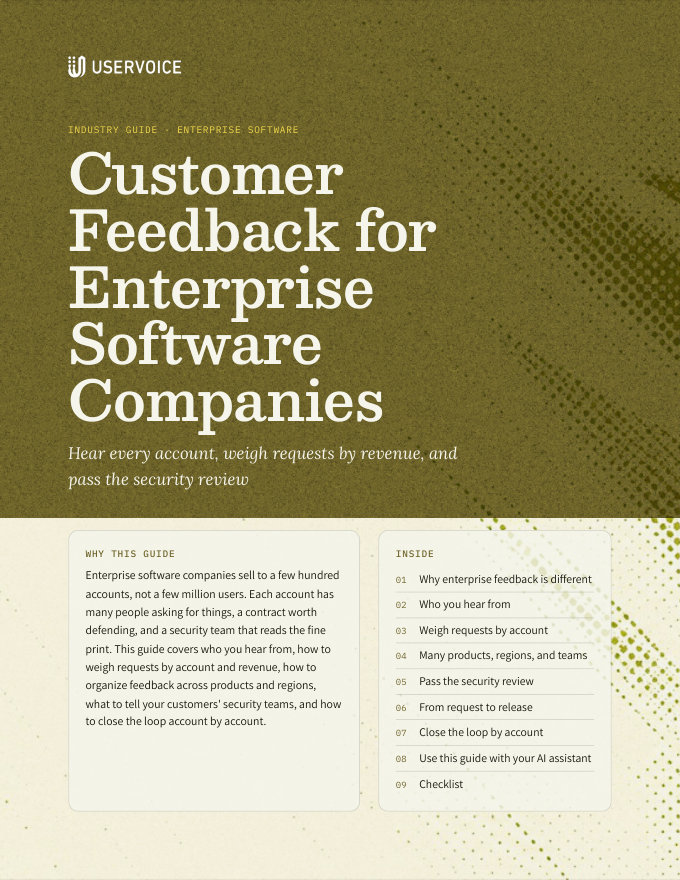
Customer Feedback for Enterprise Software Companies
Hear every account, weigh requests by revenue, and pass the security review.
On this page
Customer feedback for enterprise software companies works differently, because a few hundred B2B accounts, not millions of users, drive revenue. Requests arrive through account managers, customer success, support, and sales, so each is captured on the existing idea and linked to its account. Syncing Salesforce or HubSpot lets you prioritize feedback from every channel by dollar impact. Forums, instances, single sign-on, and private forums cover multiple products, global regions, and security reviews as you scale.
Why enterprise feedback is different
In enterprise B2B software, one account can be worth more than ten thousand free users. A vote count can't tell you that.
Dozens of people at one customer may ask for the same thing. What matters is the account, and its revenue.
End users ask for workflow fixes. Administrators ask for controls. Executives ask for outcomes. All three decide the renewal.
Most enterprise feedback reaches you through account managers, customer success, support, and sales calls, not a portal.
A request that has waited two years often explains a hard renewal months before it happens.
Who you hear from
Give each group a way in that fits how they work, and link every request to its account.
| Who | What they tell you about | How it reaches UserVoice |
|---|---|---|
| End users | Day-to-day workflows, usability, and gaps | Your portal, the in-app widget, or signed in through your SSO |
| Customer administrators | Permissions, reporting, integrations, and controls | A private forum for administrators, or your portal |
| Executive sponsors | Outcomes, roadmap direction, and deal-breakers | Captured by account teams after business reviews |
| Prospects in a deal | Gaps that block a purchase | Captured by sales on the account or the Salesforce opportunity |
| Your own teams | What customers say on calls, tickets, and email | The browser extension, Slack, Zendesk, and Salesforce |
Capture in the customer's words, on the existing idea. Your teams should search for the idea first and add the customer's words as feedback. One idea with forty accounts behind it is a signal. Forty near-duplicates are noise.
Weigh requests by account
Prioritize feedback from every channel by dollar impact. Sync your CRM, and every idea shows the accounts behind it and their revenue, next to the votes.
| What you bring in | From | What it lets you do |
|---|---|---|
| Accounts, status, and revenue | Salesforce or HubSpot sync | Rank ideas by the revenue of the accounts that want them |
| Plan, segment, and region | Mapped CRM fields and up to 25 custom account fields | Compare what enterprise, mid-market, and regions ask for |
| Renewal date | A custom account field | Find renewing accounts with open requests |
| Open and lost deals | Captures on Salesforce opportunities | See pipeline at risk behind each gap |
| How much it matters | Importance ratings and flags from your teams | Separate a nice-to-have from a deal-breaker |
Each account counts once per idea. Revenue behind an idea adds up the distinct accounts whose people support it, so forty users at one customer don't count forty times.
Many products, regions, and teams
Most enterprise software companies sell more than one product, globally, through more than one team. Decide early where each kind of feedback lives, so the structure scales.
| You have | Start with | Consider another instance when |
|---|---|---|
| Several products | A forum per product, with categories for areas | A product has its own brand, admins, or statuses |
| Regions or languages | Categories or a custom field for region | A region needs its own site, language, or data handling |
| Business units | Forums with their own default owners | A unit has its own admins, CRM org, or Jira projects |
| An acquired company | A forum, if it shares your CRM and process | It keeps its own Salesforce org and statuses |
| A confidential program | A private forum by invitation | Even your other admins shouldn't see it |
Pass the security review
Your own security team, and your customers', will ask how sign-in, access, and data work. Here is what you can tell them.
| They ask | The answer |
|---|---|
| How do people sign in? | Through your identity provider with SAML or OpenID Connect, through the UserVoice SSO token, or with UserVoice accounts. |
| Who can see the feedback? | You choose per forum. Private forums show only to authorized users, and you can restrict the whole portal to signed-in users and approved IP addresses. |
| Who on our team can change it? | Admins have full or view-only access, set per person, including whether they see revenue. |
| What can AI tools see? | The UserVoice agent and MCP work as the signed-in admin, with that person's permissions. Revenue appears only to people who can see it. |
| Can we delete someone's data? | Yes. Deleting a user removes their personal data. |
| Where are your certifications? | On the UserVoice security and compliance page, at uservoice.com/security-compliance. |
From request to release
Engineering plans in Jira or Azure DevOps. Link ideas to the work, and the customer evidence travels with it.
- Link an idea to a Jira issue or an Azure DevOps work item, or create the issue from the idea.
- Engineering sees the ideas and supporters behind the work in the issue, and in Jira Cloud the accounts and revenue too, if your Jira admin turns revenue on.
- Product sees each linked issue's status on the idea. When the work is done, post the idea's status update, and supporters get the email.
- Account teams see what shipped for their customers, without asking product.
Close the loop by account
An enterprise customer remembers whether their requests went anywhere. Show them, account by account.
- Post status updates with a message. Everyone who supports the idea gets the email, including the people your teams captured feedback for.
- Bring the account's ideas to every business review: what shipped, what's planned, what's under review, and what isn't planned, with a reason.
- Brief account teams before renewals. Open requests from renewing accounts belong in the renewal plan.
- Say no clearly. Enterprise customers accept a reason. They don't accept silence.
Try it with your AI assistant
1 of 4 prompts in the PDFAttach the PDF to Claude, ChatGPT, or another assistant, then paste:
Using the UserVoice guide I attached, help me design how feedback should flow at [company]. Ask me about our products, regions, and customer-facing teams first.
Three more prompts and the checklist are in the full guide. Get it by email →
Read next
Get the full guide
We'll email you the 10-page PDF. It adds two things that aren't on this page:
- A six-step checklist to put the guide into practice
- Four AI prompts for Claude, ChatGPT, or your assistant of choice, including one that uses the UserVoice MCP to work with your own feedback data