Collecting Feedback with Your Portal
Launch it, promote it, and keep it growing, with announcement templates you can copy.
On this page
A portal works when customers know it exists, can post without friction, and see their ideas go somewhere. This guide covers getting ready, sign-in and access, promotion, and expectations, with templates you can copy.
Why a portal
A portal gives customers one place to share ideas, see what others asked for, and follow what happens next. It turns scattered emails and tickets into demand you can measure.
They see their idea, the people who agree with it, and every status update.
Votes and feedback show how many customers, and which accounts, want each idea.
Customers find an existing idea and vote on it instead of asking again.
Support and success teams point customers to the portal instead of passing requests along by hand.
A portal works alongside your team's capture. Customers post on the portal, and your team adds what they hear in calls and tickets to the same ideas. See Customer Feedback Without a Public Portal for the team side.
Get it ready before launch
The first visit decides whether a customer comes back. Make sure there's something to see, and that it's clear what to do.
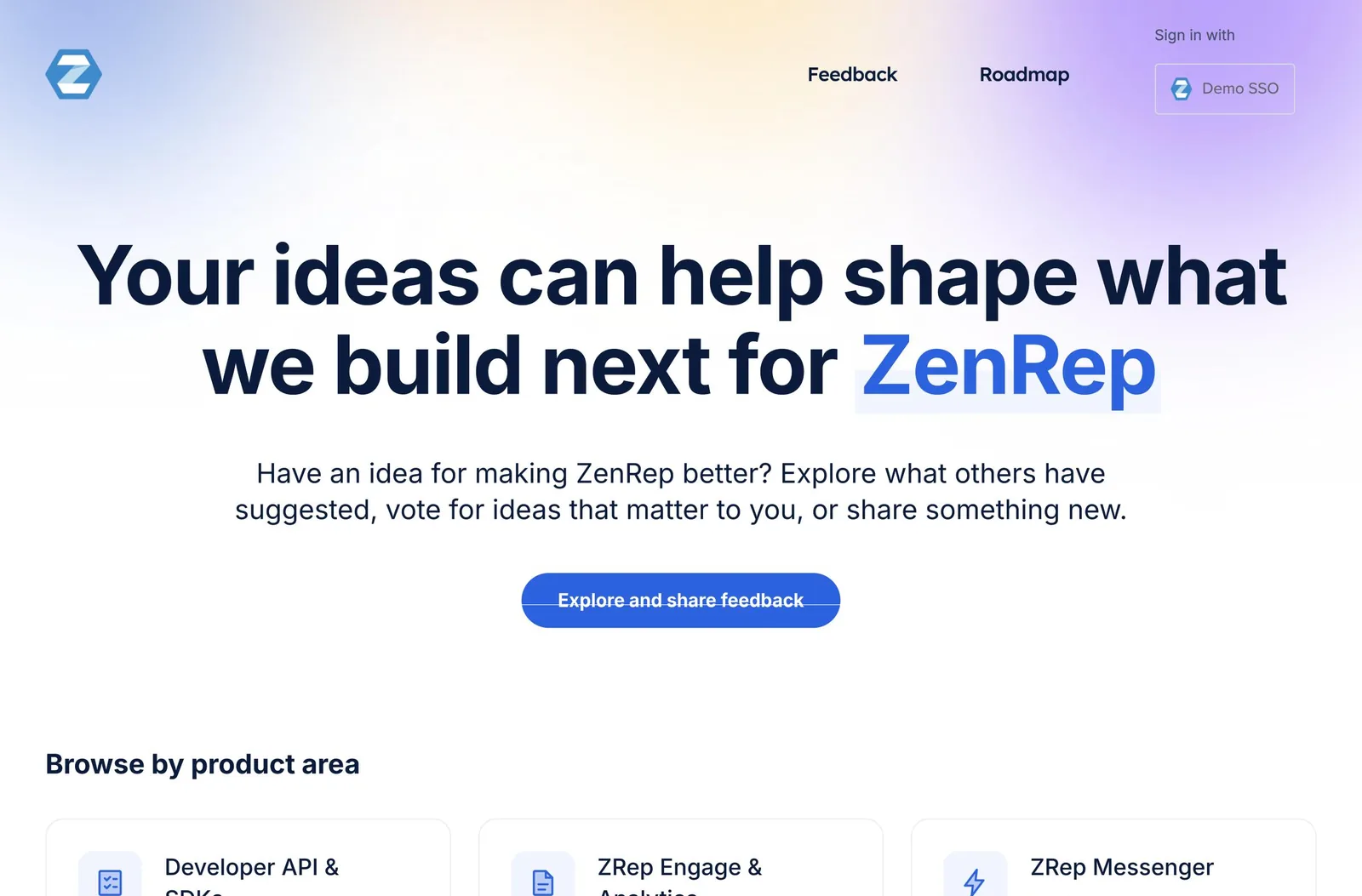
- Seed it. Add the ideas customers already ask for most, with their supporters, so the portal isn't empty on day one.
- Post a few status updates. Ideas marked Planned or Completed show customers that ideas lead somewhere.
- Write a welcome message under Web portal, Site text, and set each forum's prompt, such as “How can we improve reporting?”
- Use categories customers recognize. Turn on Require a category only if you route or report by category.
- Brand it with your colors, logo, and own domain, and set the auto-reply email under General, Auto-reply Emails, to thank customers and set expectations.
Decide how customers get in
Every extra sign-in loses customers. Decide before launch how customers sign in, whether they post from inside your product, and who can see the portal.
Sign-in and the widget
With single sign-on, customers already signed in to your product arrive on the portal signed in, with no new account or password, and their votes and ideas stay together. The widget lets them post an idea or vote without leaving your product. Pass it the same SSO token so it knows who they are.
Public or private
| Option | Who gets in |
|---|---|
| A public forum | Anyone can see it. Customers still sign in to post and vote. |
| A private forum | People you authorize: SSO users, email addresses from domains you list, or people you invite |
| A private site | Only people signed in with SSO, plus any IP addresses you list. Your admins and contributors always have access. |
Private forums need a signed-in customer. Ideas from a widget without an SSO token can only go to public forums. Private access isn't on every plan. For stricter access needs, see Customer Feedback in Regulated Industries.
Where to put the link
Put the portal where customers already are when they think of an idea. The best places are inside your product.
| Place | What to add |
|---|---|
| Your product | The widget, plus a “Share an idea” item in the help menu. Link each product area to its matching forum or category. |
| Help center | A “Request a feature” link in the header and at the end of how-to articles |
| Release notes | A link on every release, and links to the ideas each release delivers |
| Onboarding emails | One line in an early email: “Tell us what would make [product] better.” |
| Support replies | A saved reply that sends feature requests to the portal, or captures them for the customer |
| Customer meetings | A portal slide in business reviews, showing the customer's own ideas and their status |
| Your website | A footer link, for prospects and customers alike |
| Community spaces | A pinned post in your customer community or Slack workspace |
Your team is a channel too. Have support, success, and sales send the idea link instead of “I'll pass it on”, or capture feedback for customers who won't post. See Rolling Out UserVoice to Sales, Success, and Support.
Tell your customers
Announce the portal like a feature launch. Say what it's for, how it works, and what happens to ideas.
- Seed the portal and post a few status updates first.
- Send the announcement email to all customers, or to your most engaged ones first.
- Turn on the widget and in-app message the same week.
- Add the link to your help center, release notes, and support replies.
- A month later, share what you've learned and what's changed because of it.
Hi [first name],
We've opened [portal name], a place to share ideas for [product], vote on ideas from other customers, and follow what happens to them.
How it works: search for your idea first, and vote if it's already there. If it's new, post it and tell us what you're trying to do. When an idea you support changes status, we'll email you.
We read every idea. We can't build all of them, but your votes and details help us decide what comes next.
[Share an idea →]
[Name], [title]
In-app message
Release notes
Support saved reply
Welcome message
Set expectations
Customers who know what happens to their ideas stay patient and keep coming back. Say it once in the welcome message, again in the auto-reply email, and through every status update.
| Tell customers | Why it matters |
|---|---|
| We read every idea | Customers post again when they know someone's listening |
| Votes inform decisions, not decide them | It explains why the top idea isn't always built next |
| Not every idea will be built | Saying it up front makes a “not now” feel fair, not personal |
| How often you review | Customers know when to expect a response |
| What each status means | “Planned” and “Under review” mean different things to different people |
| Details help | Customers explain the problem, not just the feature they want |
Use statuses customers understand. A short set, such as Under review, Planned, Started, Completed, and Not planned, with one line each on the portal, answers most questions before they're asked.
Close the loop
The most important thing a portal does is tell customers what happened to their idea. It's what brings them back to post again.
- Supporters are subscribed automatically. Customers who post or vote get “We'll send you updates on this idea”.
- Post status updates with a message. Leave Notify subscribers on, and subscribed supporters get an email, along with the contributors who captured their feedback.
- Explain a “not now”. A short reason keeps trust, even when the answer is no.
- Link shipped ideas in release notes, and mark them Completed the same day.
Status update: Completed
Status update: Not planned
Keep it healthy
A portal with fresh replies and few duplicates gets used. A quiet one doesn't.
| Habit | How |
|---|---|
| Reply to new ideas quickly | Acknowledge or set a status within your stated review time |
| Merge duplicates | Review Merge Matches on the idea grid. Votes and feedback move to the idea you keep. |
| Review ideas before they're public | Turn on Require moderator approval for some forums or all. New posts wait in Needs review. |
| Filter spam | Use the spam filter, the profanity filter, and let customers report inappropriate content |
| Retire stale ideas | Close ideas that no longer fit, with a short reason. See Turn a Messy Backlog into a Clear Signal. |
Measure it
The Activity Report, under Insights, shows portal use over the last 30, 90, or 365 days. To share the numbers, see Reporting on Feedback to Leadership.
| Look at | To learn |
|---|---|
| Site traffic: portal visits and widget visits | Whether customers are finding the portal, especially after an announcement |
| How are users submitting ideas? | Which channels work: portal, widget, or your team's capture |
| Idea activity by forum | Which product areas customers engage with most |
| Your status updates | Whether you're closing the loop as often as you mean to |
Try it with your AI assistant
1 of 4 prompts in the PDFAttach the PDF to Claude, ChatGPT, or another assistant, then paste:
Using the UserVoice guide I attached, write a launch email, an in-app message, and a portal welcome message for [product]. Ask me about our customers and how often we review ideas first.
Three more prompts and the checklist are in the full guide. Get it by email →
Read next
Get the full guide
We'll email you the 12-page PDF. It adds two things that aren't on this page: