

The New Idea Sheet: Everything About an Idea, in One Place
Who's asking, how much it matters and what happens next, on one page. The new idea sheet is the same wherever you open an idea.

When you open an idea, you want three answers fast: who’s asking, how much it matters, and what happens next. The new idea sheet puts all three on one page.
It’s the same sheet wherever you open an idea in the admin console, on the Idea Status Board, or from the UserVoice agent. Open it in a new tab when you want it full screen.
The numbers first
The top of the sheet shows the figures that matter when you prioritize: revenue, accounts, and votes, plus importance ratings and the urgency score if you use them. The idea’s title, who posted it, its forum and category, and its description sit right below.
Change properties in place
A properties bar holds the idea’s statuses, owner, lists, labels, integrations, and custom fields. Click any of them to change it without leaving the sheet. Rearrange the properties or hide the ones you don’t use, and the sheet remembers your layout.
If AI-suggested labels are on, suggestions appear right in the labels property. Accept or reject each one with a click.
Answers to custom questions get their own Custom questions section, right below the description.
Every part of the story, one tab away
- Activity shows comments, feedback, status updates, and changes in one feed. Filter it, search it, and sort it. Post a public comment, or reply when someone reacts to a status update.
- Supporters lists everyone backing the idea, by person or by account.
- Contributors shows the teammates who logged feedback on the idea.
- Roadmaps shows the features the idea is linked to. Link it to a feature or add it to a roadmap from here.
Talk it over with your team
Team chat opens in its own window on the sheet, for discussion your customers never see. Attach files to keep screenshots and specs with the idea.
Tidy up without losing context
The merge dialog makes duplicates easy to clean up. Search for the duplicate, narrow the results with filters, and choose whether supporters are emailed about the merge. Editing, flagging, viewing the idea on your portal, and sharing a link are all in the sheet’s header.
Get started
The new idea sheet is available now. Open any idea in the admin console to see it.
If you’d like a walkthrough of how teams use the idea sheet to triage and prioritize, book a demo.
Get a free 30-day trial after your demo, with your own customer feedback in a real account.
Book a demoMore product updates
All updates →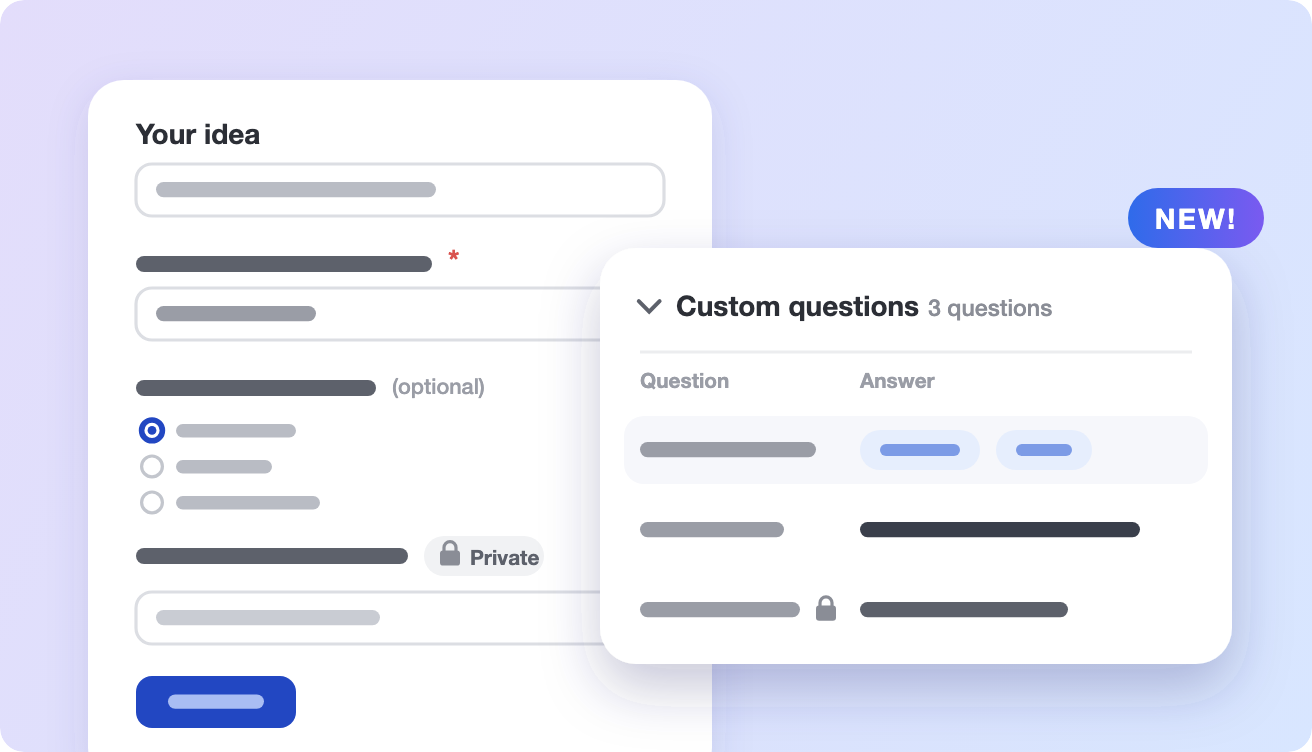

See what’s new on your own feedback
Get a free 30-day trial after your demo, see your own customer feedback in a real account.
Book a demo

